Fake Short Drama Apps and Misleading Ads: How to Spot Them
Look-alike apps, "watch the full series free" links and subscription traps: the warning signs of misleading short drama ads and how to protect yourself.
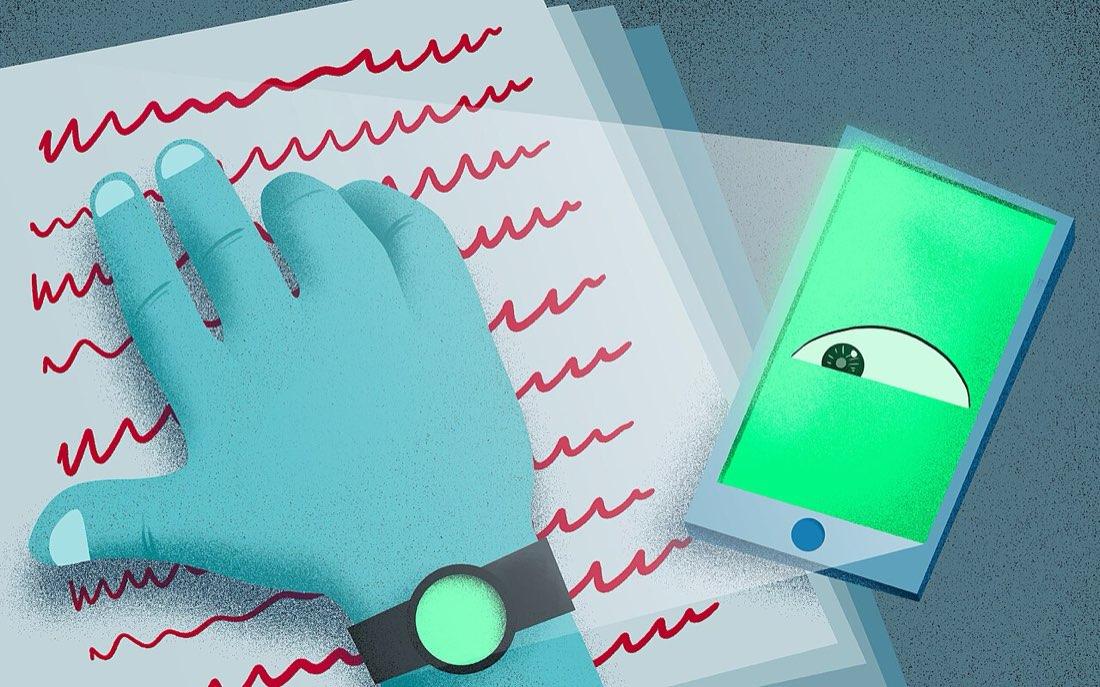
Short dramas are heavily advertised on social media, and their popularity has attracted imitators. Some ads lead to legitimate apps; others lead to look-alike apps, websites full of pop-ups, or subscriptions that are hard to cancel. Knowing the warning signs keeps your money and data safe.
Common problems
| Problem | How it appears |
|---|---|
| Look-alike apps | Similar names and icons to well-known apps |
| "Full series free" links | Websites promising every episode for free, often with pop-ups |
| Hidden subscriptions | A cheap trial that becomes an expensive weekly charge |
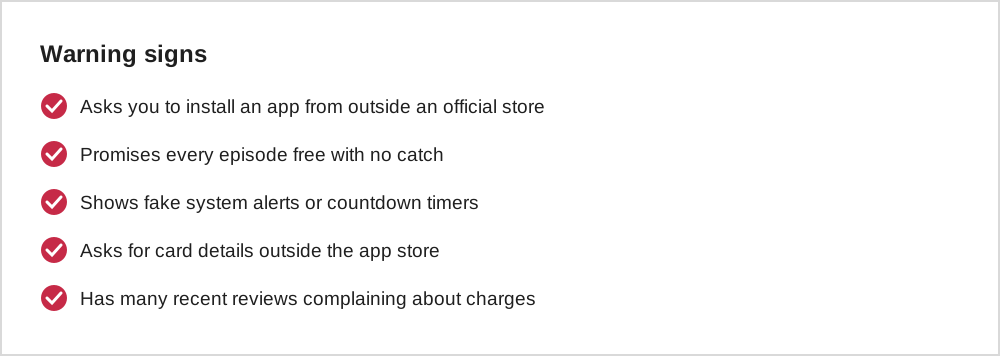
| Malicious downloads | Requests to install apps from outside official stores |
| Data harvesting | Forms asking for personal details to "unlock" episodes |
Check before you install
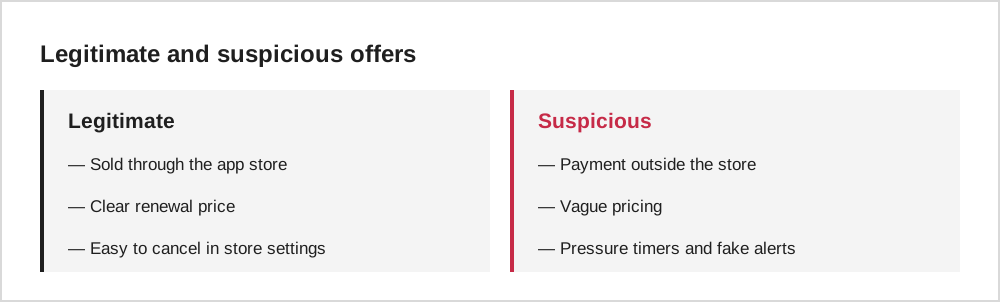
Install short drama apps only from the official Apple App Store or Google Play. Before installing, check the developer name, the number and recency of reviews, and the listed in-app purchases. Our guide to choosing a short drama app has a full checklist.
Search for the app name directly in the store rather than following a link from an ad. It is the simplest way to avoid look-alikes.
Subscription traps
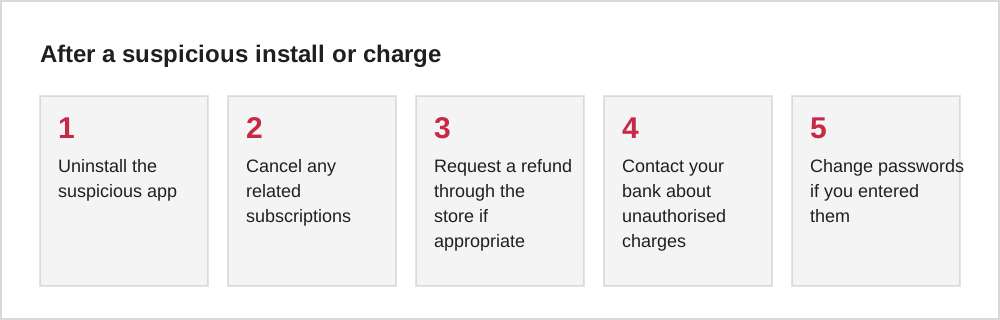
Some apps offer a very cheap trial that converts into an expensive weekly subscription. Before confirming any trial, read the renewal price and period on the purchase screen, and note the date. If you are charged unexpectedly, cancel in your store settings and see our guide to refunds and cancelling.
If you have already been caught
A closer look at look-alike apps
Look-alike apps rely on small details being overlooked. The name may differ by a single letter, the icon may use the same colours as a well-known app, and the screenshots may show the same popular series. The developer name is usually the giveaway: a well-known app is published under the same developer name across its listings, while a copy often uses an unfamiliar or generic name.
Reviews offer a second check. A genuine app with many users tends to have a long history of reviews spread over time. A suspicious app may have a burst of very recent five-star reviews with similar wording, alongside one-star reviews mentioning unexpected charges. If the app's listing and reviews do not feel consistent, it is safer to skip it and search for the original by name.
Misleading adverts
Some adverts for drama apps use clips that are not in the app, exaggerate how many episodes are free, or show a dramatic scene from a series that is actually locked behind an expensive subscription. Others imitate system warnings, claiming your phone needs an update or has a virus, to push you towards an install.
Treat dramatic adverts as marketing, not as a promise. If an advert interests you, close it, then search for the app by name in the official store and read its listing and reviews. That extra step avoids most of the problems caused by misleading ads.
Protecting children and older relatives
Children and older relatives are often the people caught by look-alike apps and subscription traps. On family devices, turn on purchase approval through the app store's family features so that every purchase needs a parent or account owner to agree. Review installed apps and active subscriptions together every few months.
It also helps to explain the common tricks in plain language: free trials that turn into weekly charges, buttons inside adverts that are not real, and apps that ask for payment before showing anything. People who know what to look for are much less likely to be caught.
Common questions
Are ads for short dramas usually scams?
No. Many ads are for legitimate apps. The risk comes from look-alikes and from links that take you outside official stores.
Is it safe to pay inside a short drama app?
Purchases made through the app store's own payment system are generally the safest option, because they are covered by the store's refund and subscription tools.
The short version
Install only from official stores, search for apps by name rather than following ad links, read renewal terms before any trial, and never install apps from outside the store to unlock episodes.